Digital Downloads
With the growing demands of social media and digital technology, I choose to use a website system called Pixieset which offers private, password-protected galleries to my clients. Its modern and easy to use on PC, Mac, Smart Phones or Tablets. Its great for viewing, sharing and downloading your photographs as well as ordering Professional Prints and Wall Art.
Instructions to Download
- STEP 1: Open your Pixieset Gallery. Once your photos are ready, you will receive an email link with a password and/or PIN code.
- STEP 2: Click on the DOWNLOAD icon shown at the top right of the Gallery View(which looks like an arrowing pointing downwards!)
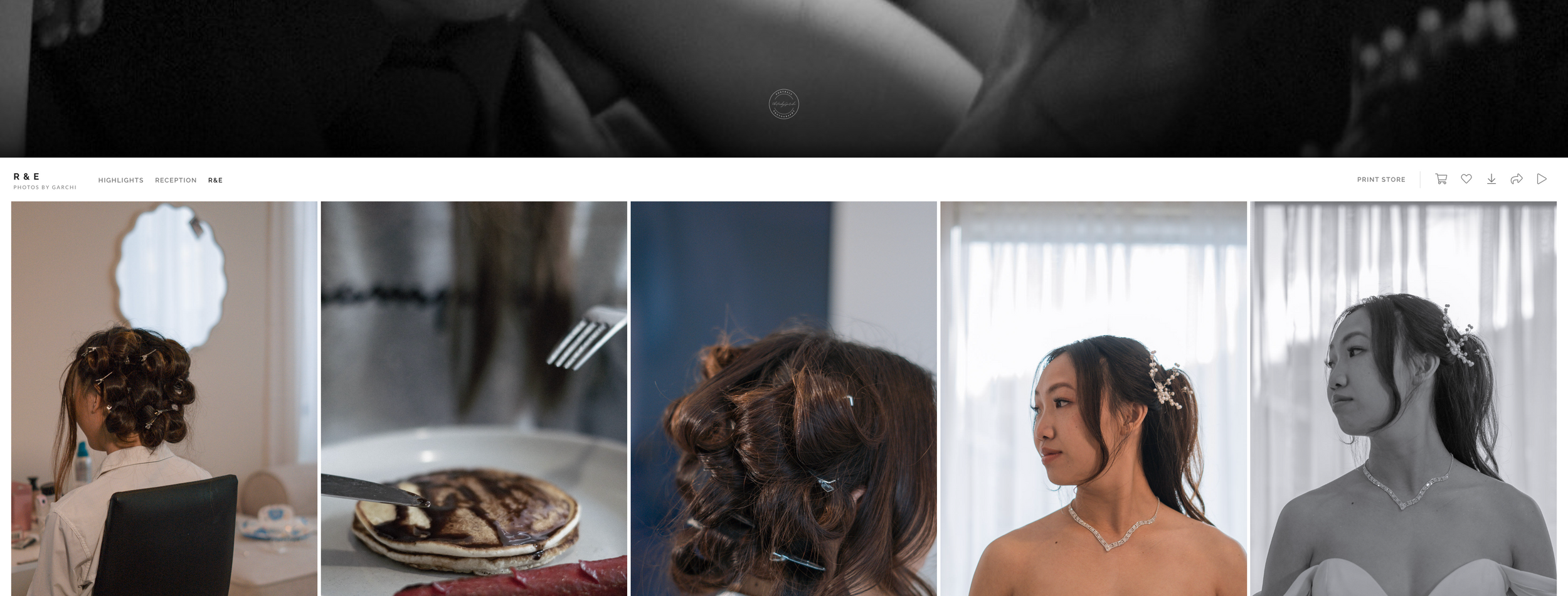
- STEP 3: Enter your email address and/or download pin where prompted.
- STEP 4: Confirm the set or individual photo you wish to download along with the download size and location, ie to your machine or Dropbox or Google Photos (which are both free cloud services!)
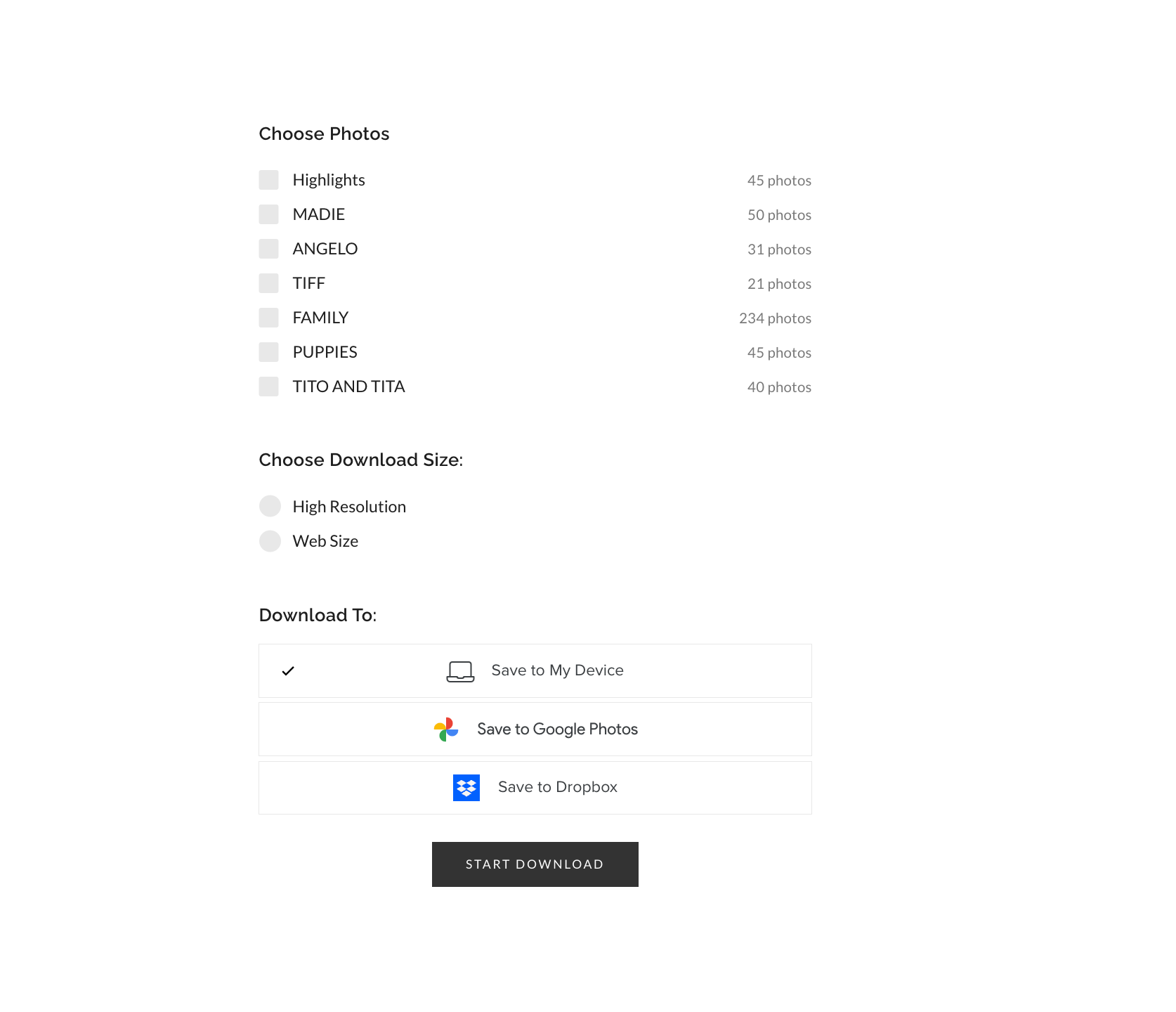
If you choose to download to your PC/MAC, the email address provided will be used to notify you when your .zip file of images is ready to be downloaded, if you prefer not to wait on the download page for this to complete. This email will also include the link you need to access their images and download the .zip file to your computer, which you can then extract.
If you selected the Dropbox or Google Photos cloud options, the images will be available to view directly from your account.
I would advise downloading your gallery in both high resolution and web size. Web size images are great to share on social media and by email but f you are looking to print, I would advise you to use the high resolution images.